
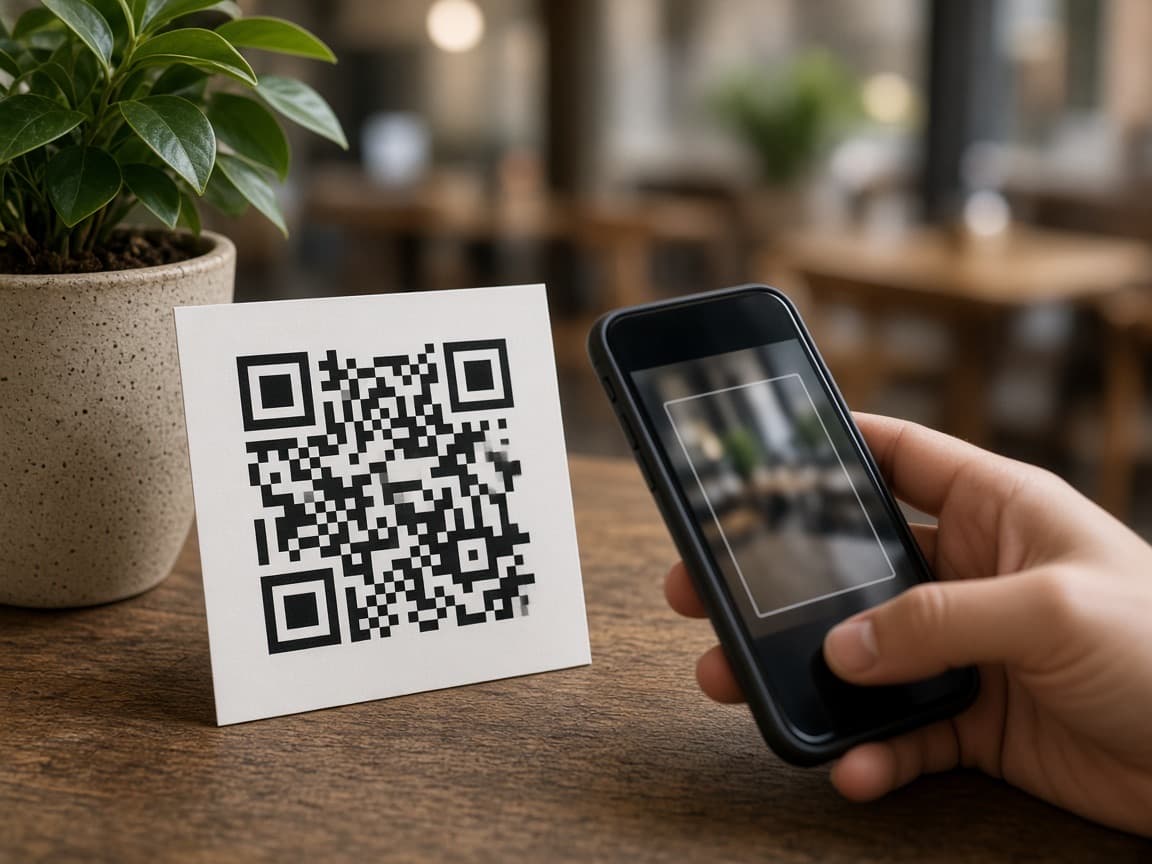
For NZ charities and trusts

Grow donations. Less chasing paperwork.

Put a QR on the appeal table or send a link. Donors give by bank or by card on their phone — Apple Pay, Google Pay, cards, or Pay by Bank. No app to download.

Donors can pay with Apple Pay, Google Pay, cards, or Pay by Bank. Pay by Bank has no extra fee for them, and settlement is generally within 2 hours *.
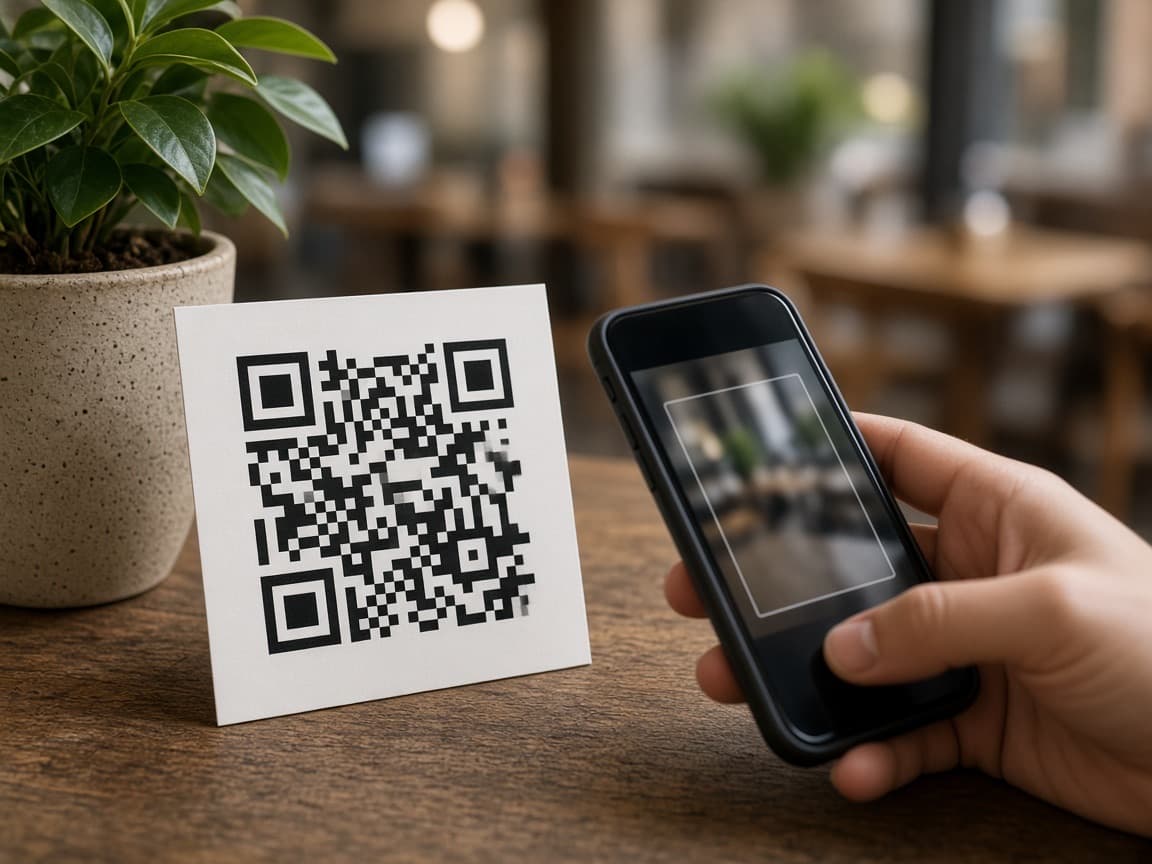
Phone scanning a printed QR to give

They scan a QR or tap a link — you get the gift

Sample venue shown: NextGen Charity.

One-off

One-off gifts

Put a QR on the appeal table or send a link. Donors give once on their phone — Apple Pay, Google Pay, cards, or Pay by Bank. No app to download.

Phone scanning a printed QR on the appeal table

Share a QR or a link

Print a QR for the appeal table or mailer, or copy a payment link into email and chat.

  • Print a QR for the appeal table or mailer
  • Copy the same link into email and chat
  • Donors pay on their phone — no app to download
Donor typing a gift amount on their phone

They choose the amount, or you do

Donors type the gift on their phone, or you lock the amount first and they pay exactly that.

  • Donors type the amount on their phone
  • Or lock the amount first for a set gift
  • Gift payments can send a NZ donation receipt
See how it works

Recurring

Recurring gifts

Standing Pay by Bank — weekly, fortnightly, monthly, or yearly — so regular supporters stay on track without chasing transfers.
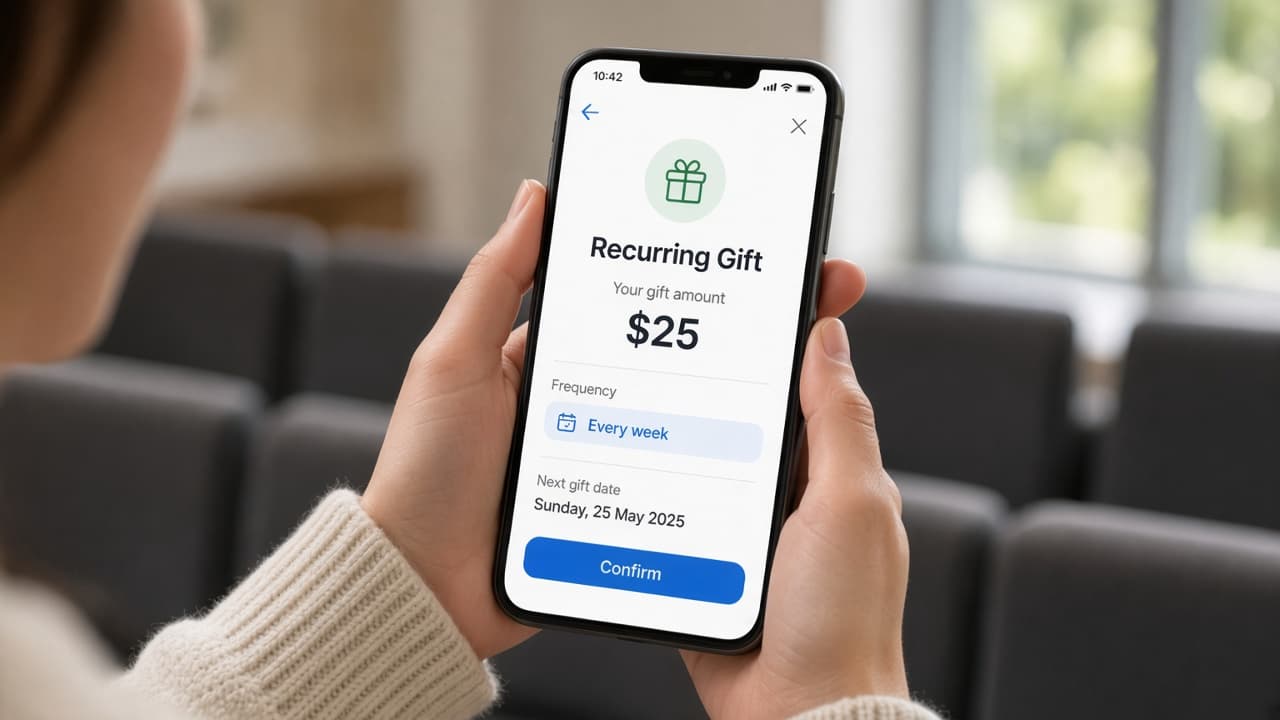
Donor confirming a weekly Recurring Gift on their phone

They consent once

A supporter sets Recurring on their phone. Confirmed gifts show in your workspace.

  • Turn on Recurring for a purpose
  • They consent once on their phone
  • Weekly, fortnightly, monthly, or yearly
Laptop and phone ready to share a recurring gift link

Membership and koha

Purposes your supporters already recognise. They choose how much, or you set the amount first.

  • Purposes your supporters already recognise
  • They choose how much, or you set it first
  • Confirmed gifts show in your workspace
See how it works

Bookings

Ticketed fundraisers

Dinners, galas, and community nights — sell passes with Take Bookings and check people in from your phone.
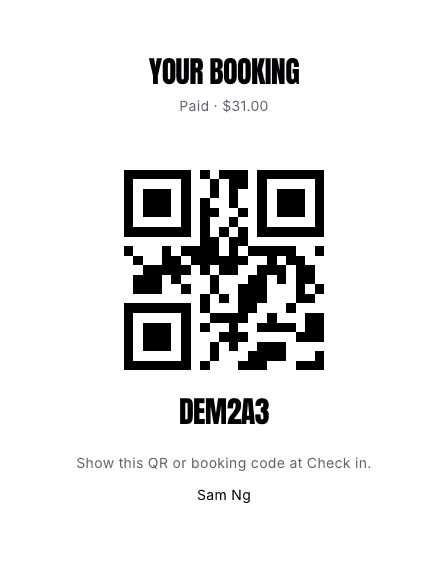
Guest pass with QR and booking code after they pay

They pay and get a pass

Share a QR or link. Guests pay on their phone and receive a pass.

  • Share a QR or link for the night
  • Guests pay on their phone
  • They receive a pass instantly
Guests gathering for a ticketed community night

Check them in from your phone

Scan the pass at the door. Less clipboard admin on the night.

  • Scan the pass at the door
  • Guest list and check-in in one place
  • Less clipboard admin on the night
See how it works

Questions

Do donors need an app?
No. They scan a QR or tap a link and pay on their phone — Pay by Bank or Pay by Card (cards, Apple Pay, Google Pay).
What can our charity run here?
One-off gifts, recurring gifts, and ticketed fundraisers. Each has its own page.
When does Pay by Bank money arrive?
On Growth, Pay by Bank is generally in your account within 2 hours during NZ SBI hours. See Pricing for plans and small print.
Do donors pay extra fees?
They pay no extra fees on Pay by Bank. Plans start Free at $0 / month — see Pricing.
Where does my team work?
Log In from this site opens your workspace.

Pricing

Plans that grow with your charity.

Take Payments for charities on one desk — and ticketed fundraisers with Take Bookings. Sixty days to try it.

60-day free trial