
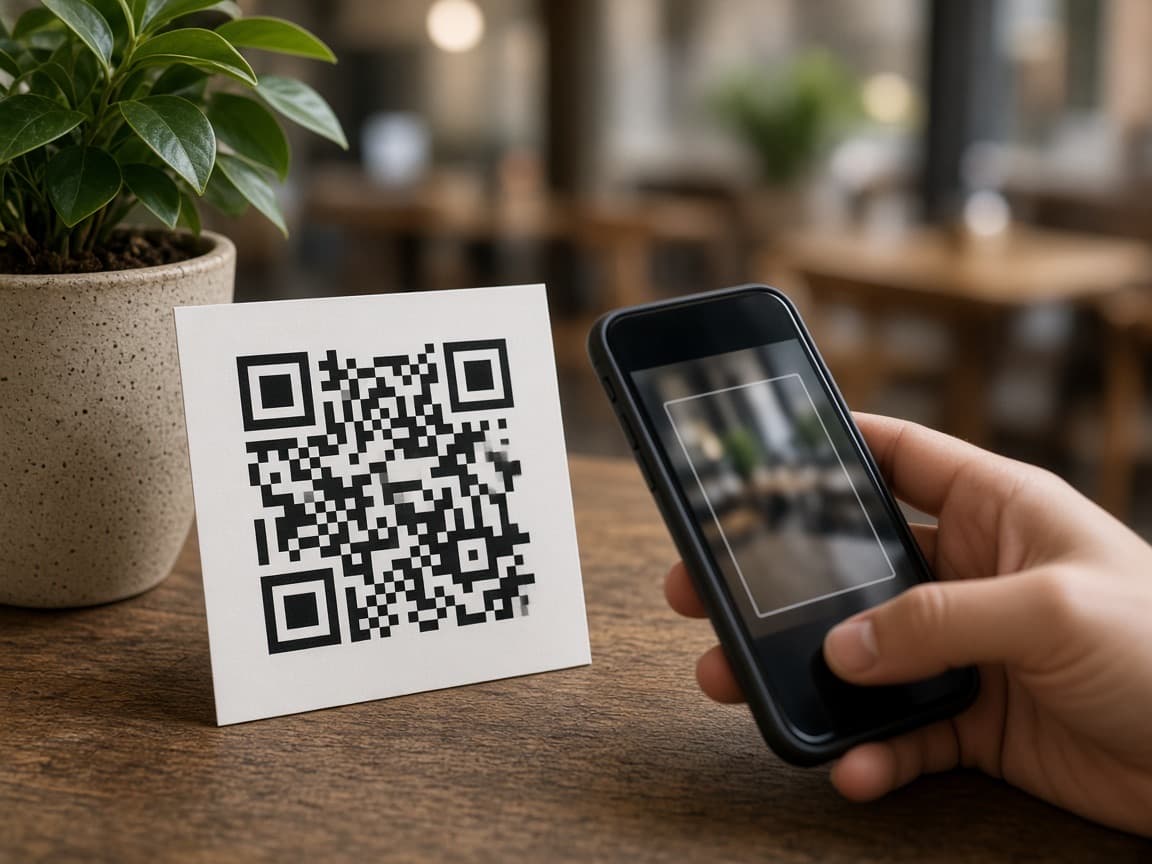
Share a QR or a link
Print a QR for the appeal table or mailer, or copy a payment link into email and chat.
- Print a QR for the appeal table or mailer
- Copy the same link into email and chat
- Donors pay on their phone — no app to download
One-off
Put a QR on the appeal table or send a link. Donors give once on their phone — Apple Pay, Google Pay, cards, or Pay by Bank. No app to download.
Print a QR for the appeal table or mailer, or copy a payment link into email and chat.

Donors type the gift on their phone, or you lock the amount first and they pay exactly that.
Donor
Donors choose the amount, or they pay the amount you locked. No app to download.
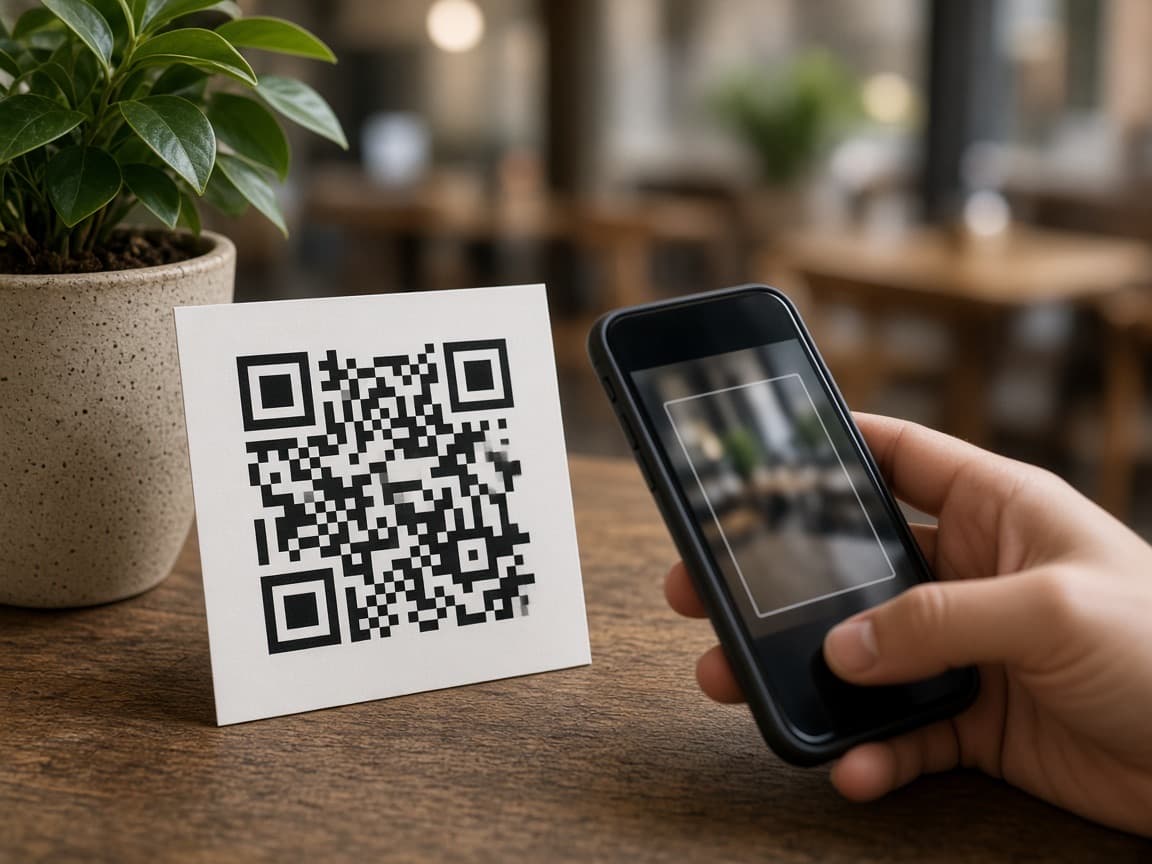
They scan a QR or tap a link — you get the gift
Your workspace
One-off gifts land on the same desk as Recurring. Gift payments can send a NZ donation receipt.
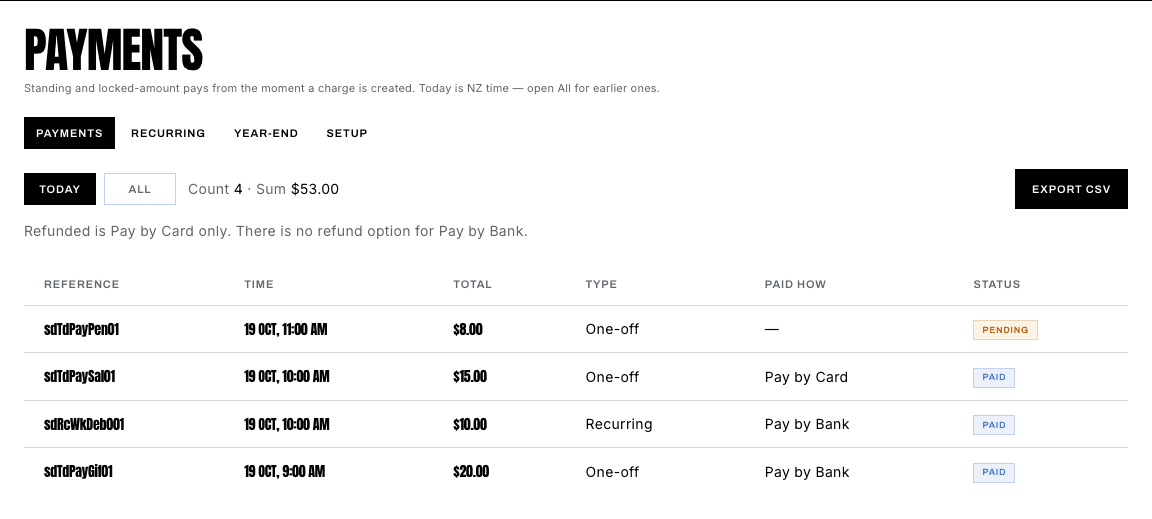
Confirmed gifts show in your workspace
Quick estimate
Starts at 7% (a published platform cut). Type the % you were quoted. Pay by Bank on Growth is 1%. Illustration only — not a guarantee.
Their platform
NZ$1,386
7%
Pay by Bank
NZ$198
1%
Difference
NZ$1,188
less in this example